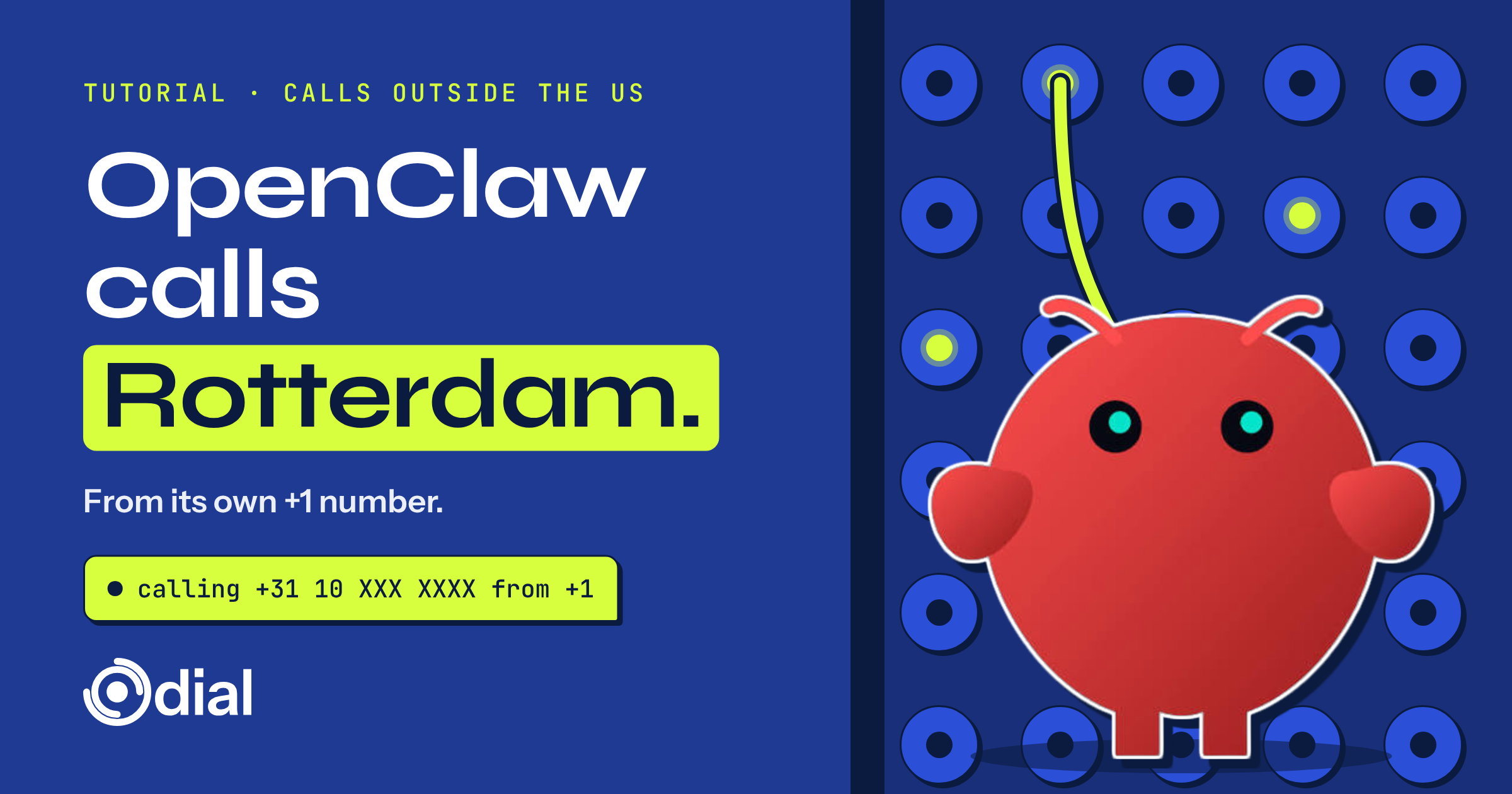
Short answer: yes. OpenClaw can call people outside the US once it's connected to Dial. Dial gives your agent its own real phone number, and that +1 number can place calls to people in other countries. An AI voice agent handles the conversation live, and when the call ends, OpenClaw gets the transcript back.
OpenClaw runs on your machine, so you have two ways in: the Dial CLI with its OpenClaw skill, or Dial's MCP server. Both do the same job. Pick one.
Option 1: The Dial skill (recommended)
1. Install the Dial CLI. In a terminal:
curl -fsSL https://getdial.ai/install | bashOr let the agent do it. Tell OpenClaw: "Follow https://getdial.ai/skills.md to install and onboard the dial CLI."
2. Sign up and install the skill. The CLI signs you up with your email and a phone number of yours, and sends a code to each. When you verify, add --agent openclaw:
dial auth verify-otp --code <code> --agent openclawThat verifies you and copies the Dial skill into OpenClaw's config. The agent loads it when a task needs a phone, and drives the dial command for you.
Option 2: Dial's MCP server
If you'd rather OpenClaw call Dial's tools directly, register Dial as an MCP server:
openclaw mcp add dial \
  --url https://getdial.ai/mcp \
  --transport streamable-http \
  --auth oauth
Then run openclaw mcp login dial and sign in to Dial in your browser (or create your account there). Changes to MCP servers apply without restarting the Gateway.
Already signed in with the CLI? You can use the local form instead, which reuses your saved key: openclaw mcp add dial --command npx --arg -y --arg @getdial/cli --arg mcp.
Make your first call abroad
Start by getting your agent a number, then give it a real task. From any channel you've paired with OpenClaw:
"Use Dial to get yourself a phone number if you don't have one yet. Then call Van Dijk Logistics in Rotterdam on +31 10 XXX XXXX. Ask whether our pallets for order 5512 cleared customs and when they'll be ready for pickup. Speak Dutch. When the call ends, send me a summary here."
OpenClaw places the call through Dial. Dial's voice agent runs the conversation in real time, and when the call ends, OpenClaw reads the transcript and reports back in the same chat.
Picture it (a hypothetical). You run a small import business in Chicago, and OpenClaw already sorts your supplier emails and answers you on WhatsApp. A shipment is stuck somewhere between the port and the warehouse. Instead of setting an alarm for 3am to catch Rotterdam's morning, you send OpenClaw one message before bed and read the answer over coffee.
How to brief OpenClaw for a call abroad
Treat it like briefing a person who's about to call on your behalf.
Let OpenClaw hear back without polling
Calls end and people text back while OpenClaw is busy with something else. To have those events reach OpenClaw on their own, install Dial's listen service with dial listen install and route its events into OpenClaw's Gateway hooks. The OpenClaw guide in Dial's docs walks through it.
What number does the call come from?
From your agent's own +1 number. Every Dial agent gets a real number of its own, not a shared line. The same number places calls, sends and receives texts, and picks up when someone calls back, so the person on the other end always sees one consistent number for your agent.
Can I get a local number in my country?
Not yet. Early access is open for local numbers outside the US. If you want your agent to have a number that's local to the people it calls, request it here: getdial.ai/early-access/request.
Until then, OpenClaw can still call people outside the US from its +1 number.
Good to know before you rely on it
FAQ
Can OpenClaw call people outside the US?
Yes. Connect Dial (getdial.ai), with the Dial skill or by MCP at https://getdial.ai/mcp, and OpenClaw calls people outside the US from its own +1 number.
Skill or MCP: which should I use?
The skill is the recommended path: one CLI install and one flag. Use MCP if you already manage OpenClaw's tools through MCP servers.
Do I need a local number to call someone in another country?
No. Your agent calls from its +1 number. If you'd like a local number, early access is open for local numbers outside the US.
How do I request a local number outside the US?
Request early access at getdial.ai/early-access/request.
Can I use Dial if I live outside the US?
Yes. You can sign up from anywhere, and your agent gets a +1 number it can use to call people in the US and outside it.
Do I need to turn on international calling?
No. A new Dial number can call people outside the US from the start.
Can the call be in another language?
Yes. Dial speaks more than 100 languages. Tell OpenClaw which one to use.
Will I see what was said on the call?
Yes. When the call ends, OpenClaw gets the full transcript and can summarize it for you.
Can people call my agent back?
Yes. Your agent's number takes inbound calls and texts. With Dial's listen service routed into OpenClaw, it can react to them as they arrive.
The takeaway
OpenClaw already lives in your chats. Dial gives it a phone number for the conversations that need a call, including calls to people outside the US. Install the skill with --agent openclaw or add https://getdial.ai/mcp, and ask it to dial.